Every organization has them: the spreadsheet copied into another spreadsheet every Monday, the form retyped into a second system, the reminder email sent by hand to the same list of people. These tasks are small on their own, but together they consume thousands of hours a year and a surprising amount of goodwill. Automation promises to make them disappear.
Yet many automation projects quietly fail. The new workflow breaks on the first unusual case, nobody trusts its output, or people keep doing things the old way “just to be safe”. The cause is rarely the technology. It is usually a design problem: the wrong process was automated, or the right process was automated in the wrong way.
01Don’t automate a mess
Automating a broken process gives you a faster broken process. Before building anything, map how the work actually happens today, not how the manual says it happens. Sit with the people who do it. Write down every step, every handoff and every workaround. You will almost always find steps that exist only because of history, and that can simply be removed.
The first question is not “how do we automate this?” but “should this step exist at all?”
02Choose the right candidates
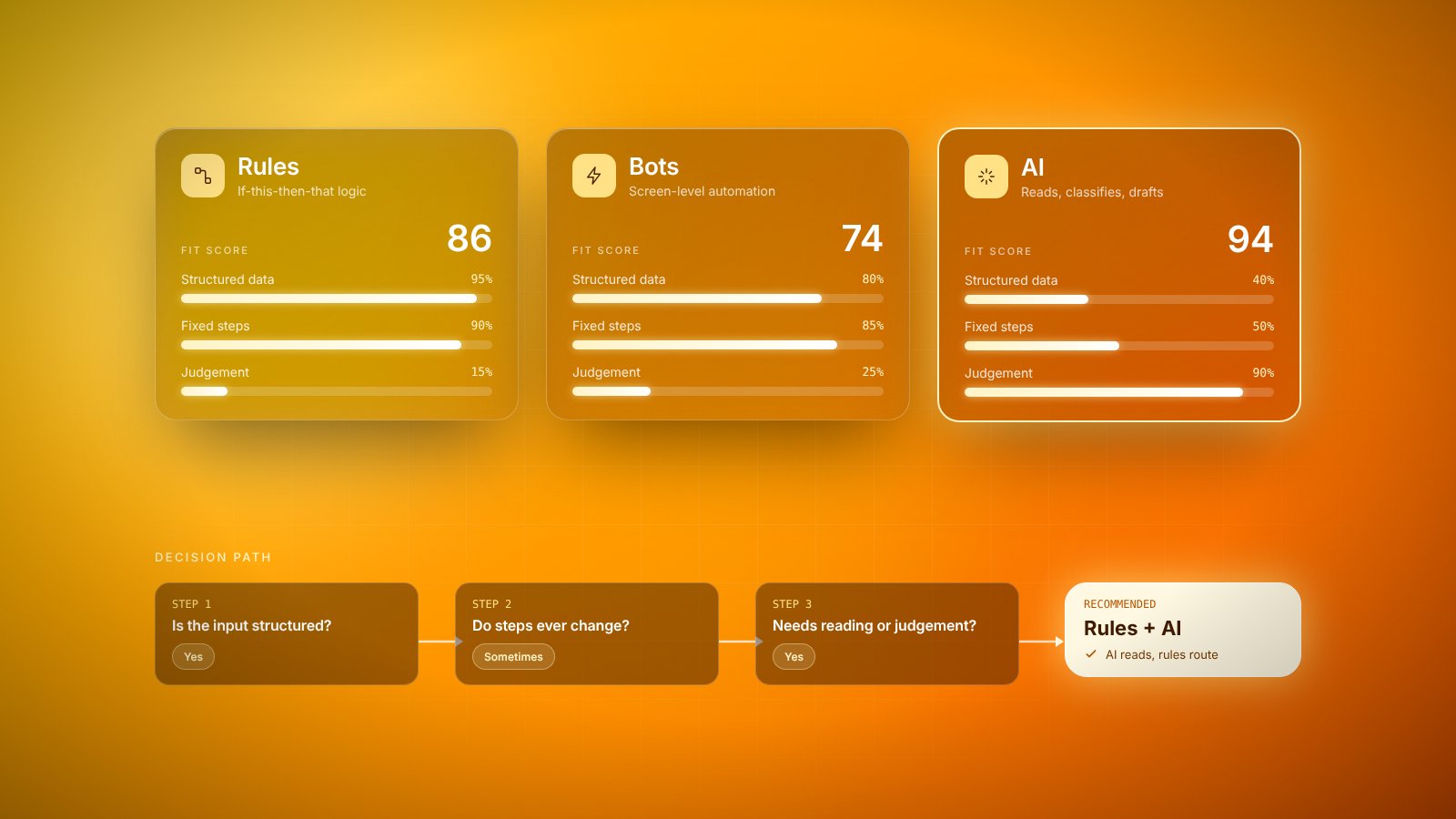
Not every task deserves automation. The best candidates share a few characteristics, and checking a process against them saves a lot of wasted effort:
- Frequency: it happens often enough that the time saved adds up.
- Rules: the decisions follow clear logic rather than judgment calls.
- Stable inputs: the data arrives in a predictable format.
- Pain: the people doing it find it tedious, error-prone or stressful.
- Measurability: you can tell whether the automated version is working.
Tasks that score well on all five are where quick wins live. Tasks that depend heavily on judgment can still benefit, but usually through assistance, such as preparing information or suggesting a decision, rather than full automation.
03Design for the exceptions
The happy path, where everything arrives correctly and nothing unusual happens, is the easy part. Real work is full of exceptions: a missing field, a duplicate record, a customer who replies in an unexpected way. A good automated workflow knows what it cannot handle and routes those cases to a person with enough context to resolve them quickly.
This is also where the people who currently do the work are invaluable. They know which exceptions occur weekly and which once a year. Involving them from the start produces a better design, and it turns potential skeptics into owners of the new system.
04Keep people in the loop, visibly
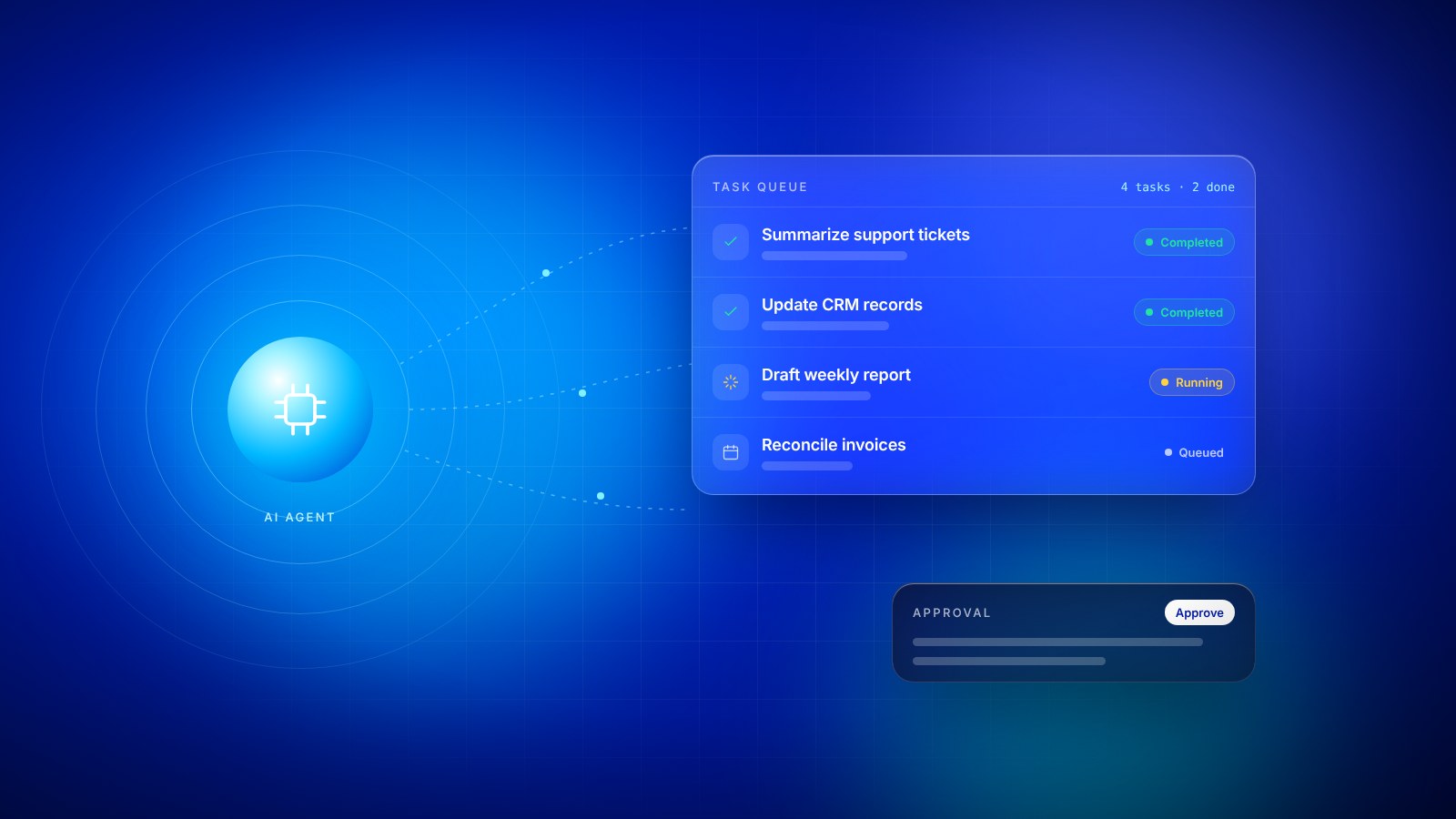
Automation that works silently can be unsettling. People worry about what it is doing and whether it has made mistakes. Simple visibility solves much of this: a daily summary of what was processed, a clear list of items waiting for review, and an easy way to pause or override the system.
05Measure what matters
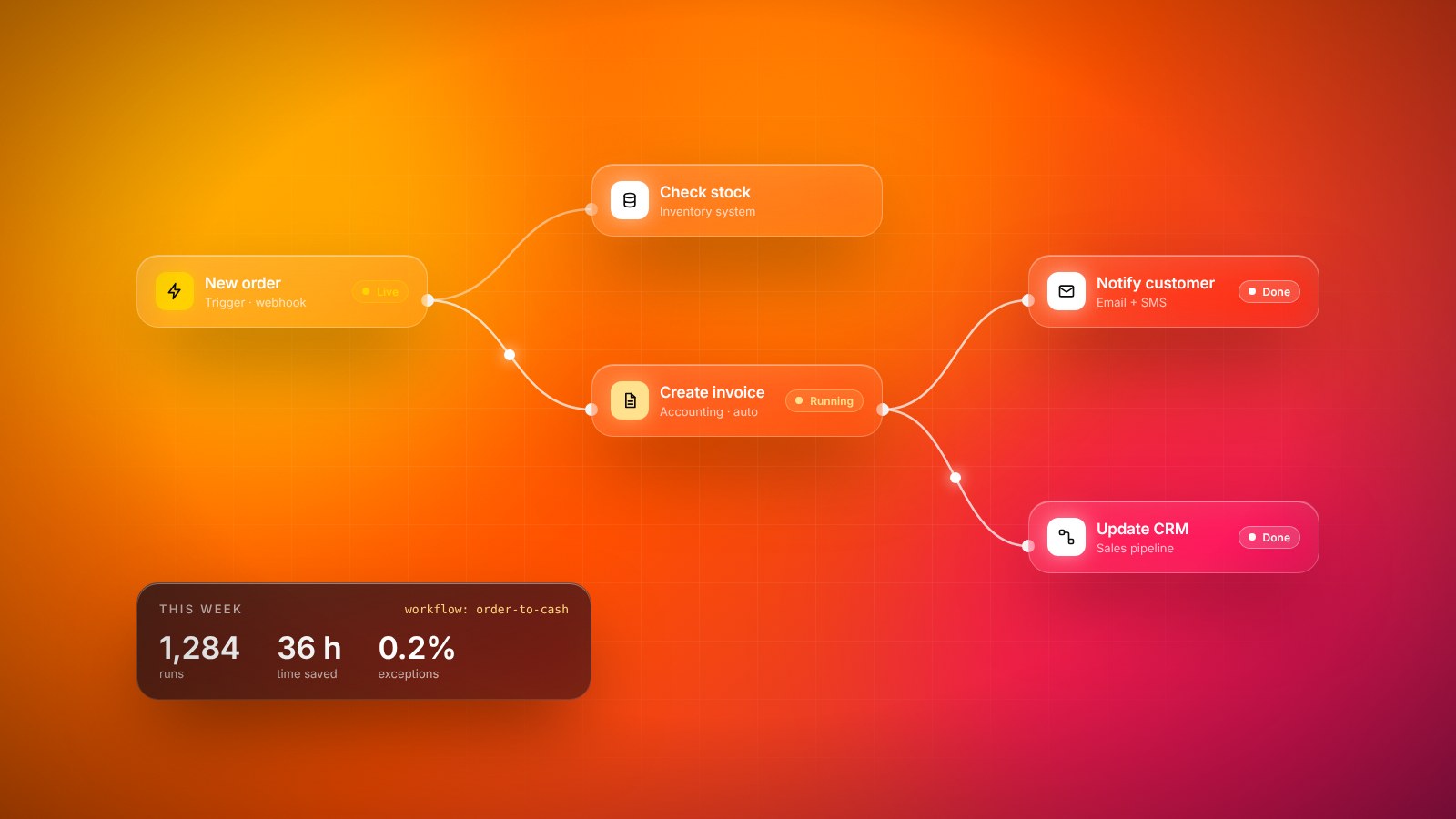
Decide before you build how you will judge success. Hours saved per week is the obvious measure, but it is rarely the only one. Fewer errors, faster response times, fewer late payments and less weekend work are often more valuable. Measure the baseline first, so the improvement is visible and not just assumed.
Also plan for maintenance. Systems change, forms get new fields, and providers update their services. Every automation needs an owner who notices when it breaks and has the time to fix it. An unowned automation tends to fail quietly, which is worse than never having built it.
06Choosing tools without the hype
The market for automation tools is crowded, and many products promise to automate everything with a few clicks. The right choice depends less on features and more on fit. Does the tool connect to the systems you already use? Can the people who will maintain the workflow understand it without calling a specialist every time? What happens to your workflows if you stop paying for it?
For simple, linear processes, visual workflow builders are often enough and let non-technical teams make changes themselves. For processes that touch sensitive data, involve complex logic or run at high volume, custom-built automation is usually more reliable and cheaper in the long run. Many organizations end up with a mix: lightweight tools for quick wins and engineered solutions for the processes the business depends on.
Whichever route you take, document each workflow in plain language: what triggers it, what it does, who owns it and what to do when it fails. That documentation is what keeps an automation useful after the person who built it has moved on.
07The real goal
The point of automation is not to remove people from work. It is to remove the parts of work that waste people’s time and attention. When a team stops copying data between systems, it has more time for customers, for improvement and for the problems that actually need human thinking.
Designed with care, automation becomes something people ask for rather than something done to them. That is the clearest sign a workflow will stick.
Key takeaways
- 01Automate a process only after you understand and simplify it.
- 02Pick tasks that are frequent, rules-based and painful for the people doing them.
- 03Involve the people who do the work from day one; they know the exceptions.
- 04Measure time saved and errors avoided, and plan for things to break.