Moving to the cloud is now a familiar step for organizations of every size. The reasons are well known: less hardware to maintain, easier remote access, more flexible capacity and better resilience. Yet many migrations run over time and budget, disrupt daily work or end with systems that cost more and perform worse than before.
Those problems rarely come from the cloud itself. They come from rushing, from moving things nobody fully understood and from forgetting the people who depend on the systems every day. A calm, staged approach avoids most of the chaos. This playbook walks through the steps that make the difference.
01Know what you have
Every successful migration starts with an inventory. List every application, database, file share and scheduled job you run, along with who uses it, how important it is and what it connects to. That last point is critical. Systems are often linked in ways nobody has written down: a nightly export feeds a report, a shared folder is read by an accounting tool, a printer depends on an old server.
Mapping these dependencies takes time, but it prevents the most common migration surprise: moving one system and discovering that three others quietly stopped working. While you are at it, note which systems are no longer needed. Retiring them is the cheapest migration of all.
02Choose how each system moves
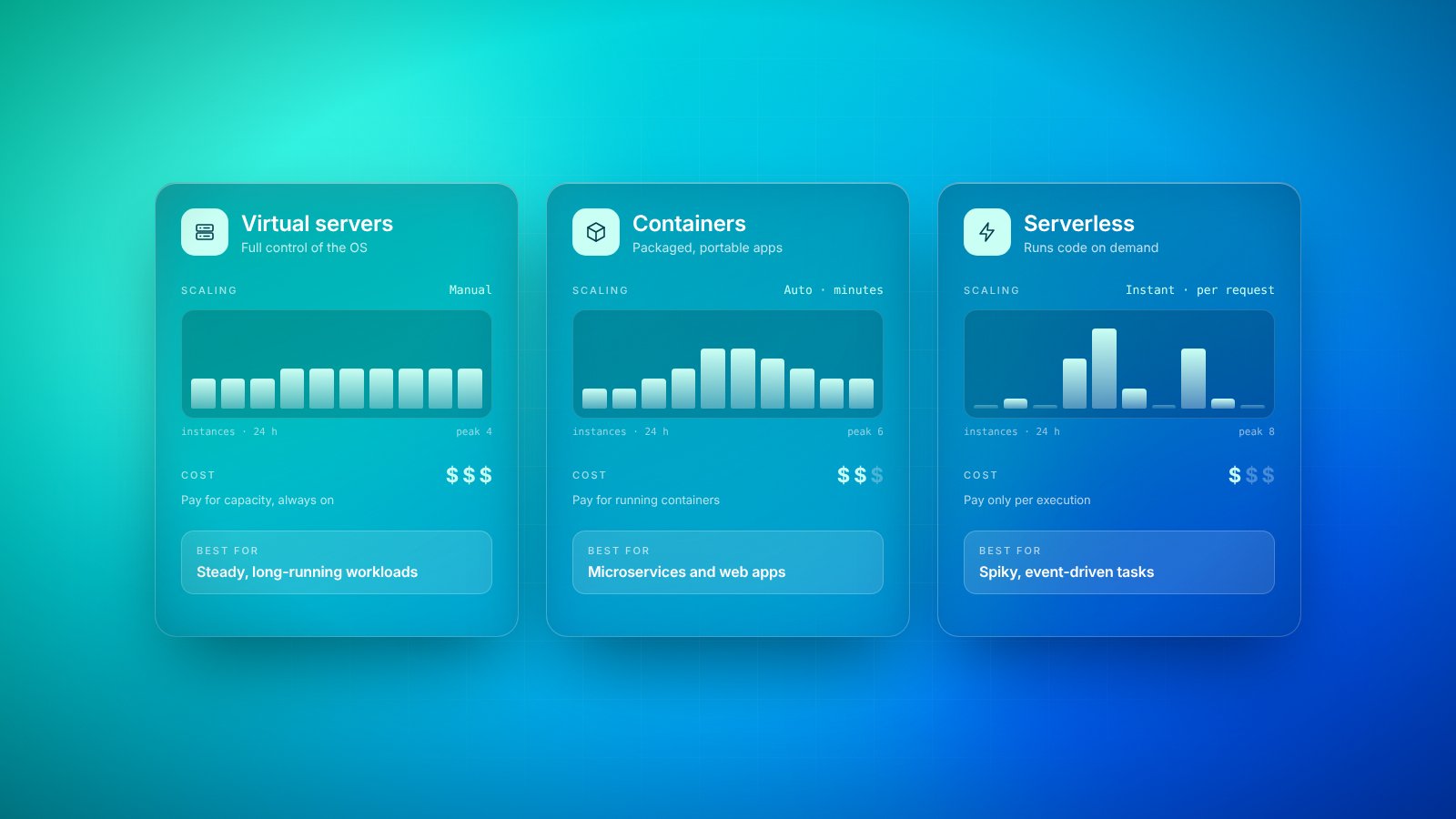
Not every system should move in the same way. For each one, decide which approach fits its value, age and condition. Most decisions fall into a handful of options:
- Rehost: move the system as it is onto cloud servers, which is fast but keeps existing limitations.
- Replatform: make modest changes, such as switching to a managed database, to gain cloud benefits without a rewrite.
- Rebuild: redesign the system to take full advantage of the cloud, which is slower but often worth it for core software.
- Replace: swap the system for a ready-made online service that does the same job.
- Retire: switch it off because it is no longer needed.
- Retain: keep it where it is for now, because moving it brings too little benefit or too much risk.
A common mistake is to rehost everything because it seems quickest, then wonder why costs and performance did not improve. Another is to rebuild everything at once and get lost in a project that never ends. A sensible mix, decided system by system, usually works best.
03Start with a pilot
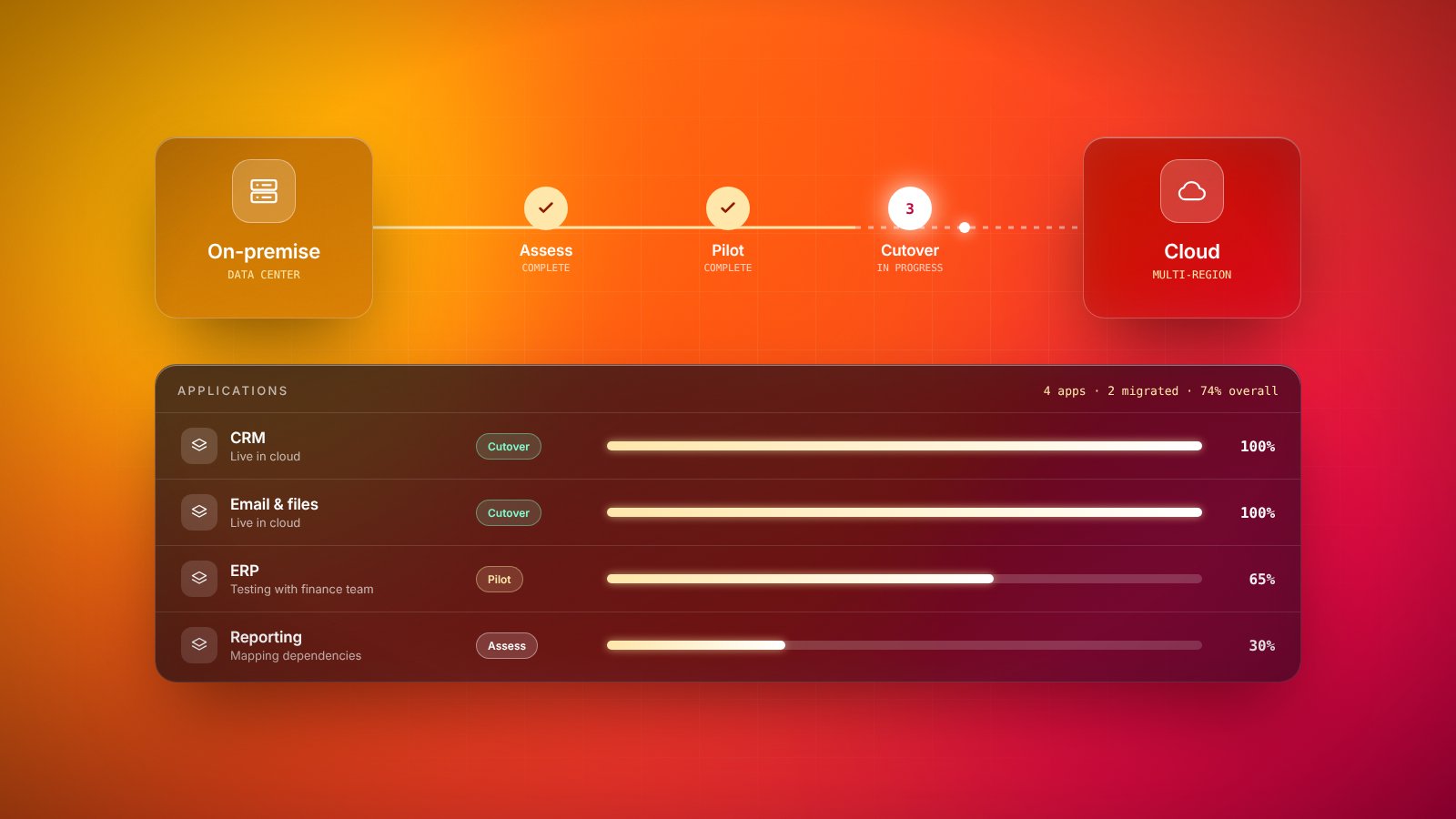
Before moving anything critical, choose one system that is useful but not essential and migrate it first. The pilot tests your whole process: setting up the cloud environment, configuring security and access, moving data, monitoring performance and supporting users afterwards. It reveals problems while the stakes are low.
The pilot is not about the system you move. It is about learning how your organization moves systems.
Write down what went well and what did not, then adjust your plan. Each later migration should be smoother than the one before it, and by the time you move the systems the business cannot live without, the team should be working from experience rather than hope.
04Move the data carefully
Data is usually the hardest part of a migration. Large volumes take time to transfer, data keeps changing while you move it, and errors may not show up until someone runs a report weeks later. Clean up before you move: remove duplicates, archive old records and fix known quality issues, so you do not carry problems into the new environment.
Plan how you will keep old and new copies in sync during the transition, and how you will check that everything arrived correctly. Simple checks, such as comparing record counts, totals and a sample of individual records, catch most issues. And make sure secure, tested backups exist before any data moves at all.
05Plan the cutover
Cutover is the moment users switch from the old system to the new one. Choose a quiet period, agree on who makes the final go or no-go decision, and prepare a step-by-step checklist. Most importantly, have a rollback plan: a clear way to return to the old system if something serious goes wrong. Knowing you can go back makes it far easier to go forward calmly.
06Bring people along, then optimize
A migration changes how people work, even when the screens look similar. Sign-in steps may differ, files may live somewhere new and performance may feel different. Tell people what is changing and when, offer short practical training and make it obvious where to get help in the first days. A small group of confident early users in each team can answer most questions on the spot.
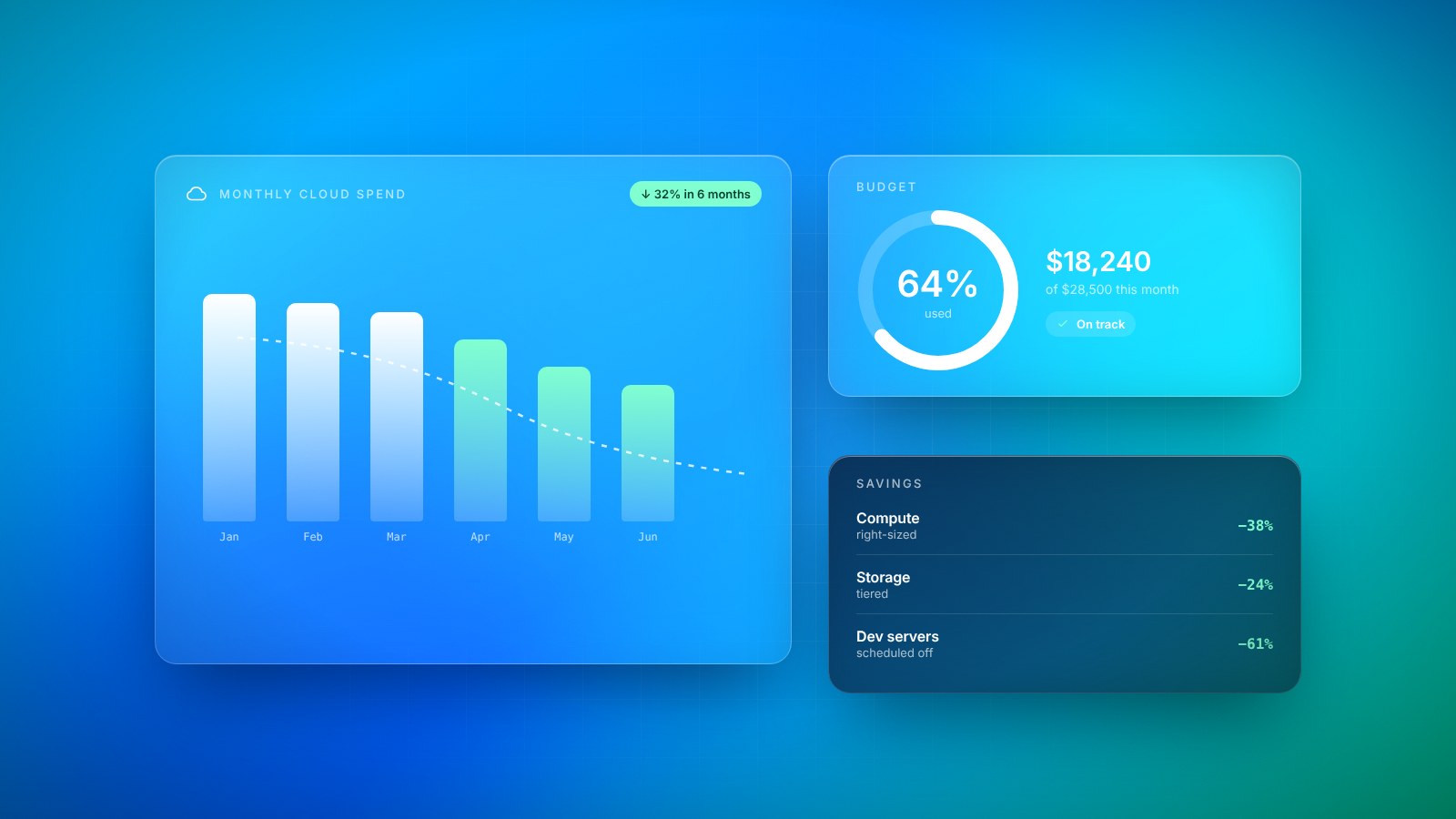
Finally, treat the move as a beginning rather than an end. Systems moved as they are often run on more capacity than they need, and the first months in the cloud reveal what can be resized, automated or simplified. Review performance, costs and security settings regularly, and revisit systems you rehosted to see whether they now deserve deeper improvement.
Done this way, a cloud migration becomes a series of manageable steps rather than one risky leap. The result is not just software in a new location, but a more flexible foundation for the way the business wants to work next.
Key takeaways
- 01Start with a complete inventory of systems, data and the connections between them.
- 02Decide for each system whether to move it as is, adjust it or rebuild it.
- 03Prove the approach with a low-risk pilot before moving anything critical.
- 04Plan cutover, training and post-migration optimization as carefully as the move itself.